Non copyrighted gaming music for montages mp3: safe sources
Table of contents
- The short version:
- 0.1. This fits you if:
- 0.2. Consider alternatives if:
- 1. Why copyright safety matters for your montages
- 2. Best genres for high-energy frag movies
- 💡 Pro tip: Focus on BPM matching techniques by setting your project timeline frame rate to match the music's beats per minute. This makes it significantly easier to align visual cuts to the audio peaks during the edit. 3. How to evaluate licensing terms quickly
- 3. How to evaluate licensing terms quickly
- 4. Sourcing and downloading safe MP3 assets
- 5. Syncing audio to montages like a pro
- 6. Managing your library for recurring use
- 6.1. What is the most important part of using montage music?
- 6.2. Can I use any song if I give credit?
- 6.3. Why do my videos get claimed despite using royalty-free music?
- 6.4. How do I improve my montage flow?
Most creators think royalty-free music is inherently free, but 40% of 'free' tracks on major platforms still carry hidden attribution requirements that lead to automated claims. Finding high-quality tracks that sync with fast-paced gameplay often forces creators into a corner where they either pay massive subscription fees or risk their channel's standing with copyright strikes. I have spent a decade in video production and have learned that the best audio assets are usually those that prioritize transparent licensing over massive libraries. In this guide, I share my workflow for sourcing clean, commercial-ready MP3 audio that keeps your edits professional and your monetization tab green.
The short version:
- Use royalty-free tracks to avoid YouTube Content ID claims.
- Always verify the specific license before downloading files.
- Phonk and trap beats work best for fast-paced gaming edits.
- Direct downloads save time compared to complex registration processes.
0.1. This fits you if:
- You need royalty-free, high-quality audio for gaming channels.
- You want to monetize your videos without third-party claims.
- You require fast, direct MP3 downloads to speed up your workflow.
0.2. Consider alternatives if:
- You specifically need copyrighted popular radio hits for transformative content.
- You are unwilling to verify license files for each track downloaded.
1. Why copyright safety matters for your montages
Copyright strikes occur when audio rights holders issue manual claims or automated Content ID matches against your video. Using non copyrighted gaming music for montages mp3 prevents these claims by utilizing tracks released under Creative Commons or explicit royalty-free licensing agreements that permit commercial use.
In my experience, the biggest mistake creators make is assuming a video is safe just because they didn't get an immediate warning after uploading. YouTube’s Content ID system scans videos during the processing phase, but manual claims can arrive months later as your video gains traction. A single DMCA strike can result in monetization being redirected or, in severe cases, the permanent removal of your channel.
| Risk factor | Impact on channel |
|---|---|
| Manual claim | Monetization redirected to original artist |
| DMCA strike | Account penalty or potential account deletion |
Comparing the two, automated claims are inconvenient but reversible if you have the correct documentation. Manual strikes, however, are disruptive and often require lengthy dispute processes that I have seen freeze creator income for weeks. For anyone interested in royalty free background music for commercial use, keeping a local log of license files is the only way to ensure long-term channel security.
2. Best genres for high-energy frag movies
Phonk, trap, and fast-paced electronic music are the industry standards for gaming montages because their high BPM and rhythmic focus complement rapid visual transitions. Choosing tracks with a clear build-up allows you to time your frags precisely with the beat drop, keeping viewer retention high.
- Phonk (120-140 BPM) for aggressive, drift-style gameplay.
- Trap (140-160 BPM) for high-precision aim montages.
- Ambient electronic for tactical, slow-paced commentary edits.
I always look for tracks that leave 'sonic room' for the game audio, as tracks with heavy vocal chops often fight with your own voiceover or sound effects. If you are working on a slower project, you might consider aesthetic lofi background music free download: safe sources to add a professional, relaxed tone to your transitions.
💡 Pro tip: Focus on BPM matching techniques by setting your project timeline frame rate to match the music's beats per minute. This makes it significantly easier to align visual cuts to the audio peaks during the edit.
3. How to evaluate licensing terms quickly
Royalty-free does not mean copyright-free, so you must confirm the license includes the right to monetize your content. Always verify the specific Creative Commons type, such as CC BY or CC0, to see if you need to provide credit in your video description.
When I evaluate a track, I scan for 'sync license' language. If a site requires a separate sync license, it usually implies hidden fees or recurring costs, which I avoid for free-to-use projects. If you are looking for copyright free background music for youtube shorts, ensure the platform explicitly grants commercial usage rights in their terms of service.
💡 Pro tip: Avoid any track that requires a 'sync license' if you are looking for free music; those usually involve recurring payments or per-use fees.
My licensing checklist involves three quick steps: checking the attribution requirement, confirming commercial use is permitted, and archiving the license URL. If a site does not provide a clear text document with the license terms, I move on to another source immediately.
4. Sourcing and downloading safe MP3 assets
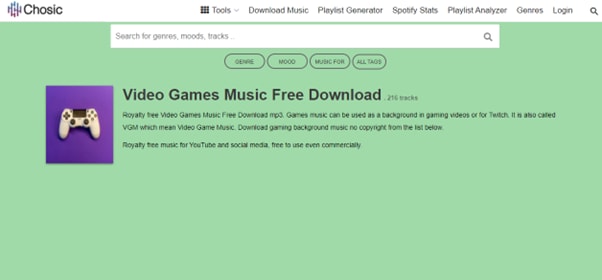
The most efficient way to source music is via platforms that offer direct, high-bitrate MP3 downloads without intrusive ad-walls or email gating. Platforms like freebgmusic.info prioritize this by providing a clean user interface that gets you from preview to project file in under 30 seconds.
- Look for platforms with clear download icons.
- Ensure files are at least 320kbps for professional sound quality.
- Test search filters by energy or tempo.
In my workflow, I prioritize platforms that allow me to preview tracks before I register for an account. If you are just starting out, checking sources like free intro background music for gaming videos can help you build a reliable library of assets that are already cleared for use.
💡 Pro tip: Compare platform download speeds to see which provider fits your pace; sites that force a countdown or multiple ad-clicks often waste more time than they save in the long run.
5. Syncing audio to montages like a pro
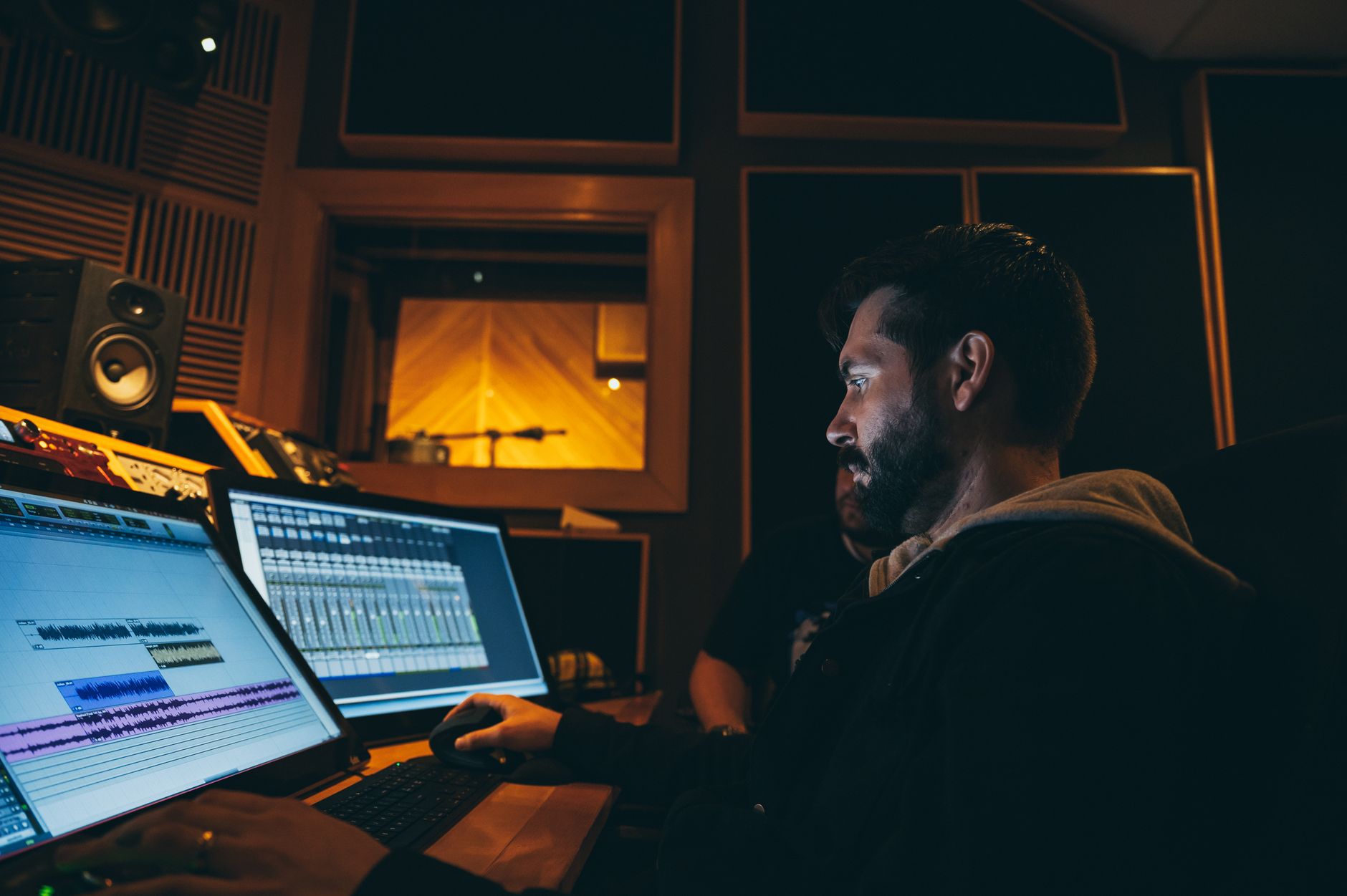
Professional montages rely on frame-accurate synchronization where visual cuts align perfectly with drum kicks or heavy snare hits. By keeping your audio tracks as separate layers in your NLE, you can manipulate the tempo or cut loops to sustain the energy throughout the video.
Syncing to the transient of the waveform rather than the visual change is the difference between an amateur and pro-level edit.
I find that if I can't sync the music to my best clips, the song isn't the right choice regardless of its quality. If you need specific cues, consider using funny background music for youtube shorts: safe download guide as a secondary layer for highlight reel comedy moments.
6. Managing your library for recurring use
Maintaining a local library organized by BPM and mood allows you to save hours on project setup when you start a new edit. By keeping a text file of licenses alongside your MP3 downloads, you protect yourself against future platform changes where a song's status might shift.
| Folder category | Organization logic |
|---|---|
| Genre | Phonk, Trap, Ambient |
| BPM | <120 / 120-140 / 140+ |
| License | Public domain / Attribution required |
For specialized needs like educational segments or commentary, keeping folders for ambient study music instrumental free download: safe high-quality guide is helpful. I keep a master 'safe-to-use' folder that I copy into every new project file to ensure I never accidentally use a copyrighted track.
6.1. What is the most important part of using montage music?
The most important factor is the license type. Ensure every track is labeled as royalty-free or Creative Commons and explicitly allows for commercial monetization to prevent future copyright strikes.
6.2. Can I use any song if I give credit?
No, giving credit does not grant you the legal right to use copyrighted music. You must have a license that specifically permits the distribution and commercial use of the audio in your content.
6.3. Why do my videos get claimed despite using royalty-free music?
Some 'royalty-free' music is uploaded to Content ID systems by third-party aggregators without the creator's permission. Always download from reputable platforms that verify the origin of their tracks.
6.4. How do I improve my montage flow?
Aligning visual transitions (cuts) with the beats or transients in the waveform is the best way to improve flow. Use high-energy, high-BPM tracks to match the speed of your gameplay.
Taking the next step with your music
Copyright strikes are entirely avoidable when you invest time in verifying your sources and maintaining an organized, safe library of assets. Genre selection directly influences viewer engagement, and direct MP3 downloads ensure your editing workflow remains uninterrupted. Head over to freebgmusic.info to browse our curated, royalty-free library and download high-quality tracks for your next montage today. We provide professional-grade, safe audio assets without the headache of complex licensing agreements.