Non copyrighted gaming stream background music: safe audio guide
Table of contents
- Quick summary:
- This fits you if:
- Consider alternatives if:
- 1. Why verified royalty-free music is the safest path
- 1.1. Understanding legal clearance
- 1.2. Risks of public domain sites
- 2. How to identify high-quality gaming audio
- 2.1. Bitrate and format standards
- 2.2. Mixing for voice clarity
- 3. Matching musical moods to your stream segments
- 3.1. Lo-fi for cozy streams
- 3.2. Phonk for montages
- 4. Essential volume and mixing best practices
- 4.1. Sidechaining techniques
- 4.2. Monitoring playback
- 5. Decoding commercial license terms
- 5.1. Monetization rights
- 5.2. Permanent vs temporary rights
- 6. Verification checklist for new audio sources
- 6.1. Site reputation checks
- 6.2. Updating your library
- 6.3. What if I get a DMCA strike?
- 6.4. How loud should the music be?
- 6.5. Is attribution required?
- 6.6. Where can I find safe tracks?
I have spent over a decade watching creators lose months of hard work to sudden DMCA strikes triggered by unvetted music. Most streamers believe they need expensive monthly subscriptions to secure their channel, but high-quality, safe audio is often sitting in plain sight. In this guide, I show you how to identify truly non-copyrighted tracks that keep your audio production professional and your broadcast secure in 2026.
Quick summary:
- Verified royalty-free platforms prevent DMCA channel takedowns.
- Mix background music between -20dB and -25dB for clarity.
- Always keep a digital folder of your music license certificates.
- Match audio genre to game pacing for higher audience retention.
This fits you if:
- You need pre-cleared, commercial-ready music for live broadcasting.
- You want to avoid the attribution headaches of Creative Commons.
- You are monetizing your stream through subscriptions or sponsorships.
Consider alternatives if:
- You strictly use public domain music without verified clearance certificates.
- You require music with vocal samples that clash with your commentary.
1. Why verified royalty-free music is the safest path
Verified royalty-free platforms provide legal clearance, acting as a shield against automated copyright detection. Using these libraries ensures your VODs remain safe from sudden muting or account strikes by providing verifiable usage rights.
| Source Type | Safety Level | Legal Clarity |
|---|---|---|
| Public Domain | High | Unverified |
| Verified Platform | Very High | Guaranteed |
| Personal Cloud | Low | Unknown |
In my experience, the biggest mistake is trusting free social media uploads without verifying the source license. Many tracks labeled as non-copyrighted on platforms like SoundCloud or YouTube are re-uploads of protected content. When you download from a verified royalty free background music for commercial use provider, you receive a license that acts as your legal documentation if a bot flags your content.
1.1. Understanding legal clearance
Legal clearance confirms that the platform owns the master rights to the audio. This eliminates the risk of a third party claiming ownership later, which is the primary cause of sudden stream mutes.
1.2. Risks of public domain sites
Public domain status is often misinterpreted by uploaders. If a track is not explicitly in the public domain, hosting it on an unverified site leaves you exposed to potential DMCA action if the original rights holder issues a takedown request.
2. How to identify high-quality gaming audio

High-quality gaming music requires at least a 320kbps MP3 or lossless WAV format to prevent digital artifacts. Professional tracks feature balanced EQ settings that do not overpower the streamer's voice, ensuring your commentary remains audible during intense gameplay.
- Check for 320kbps bitrate minimum to avoid digital "hissing."
- Avoid tracks with vocal samples that clash with your commentary.
- Look for extended edits to avoid noticeable loop points.
I always check for track dynamics before adding them to my stream deck; if the music is compressed to the point of distortion, it will sound muddy under your microphone feed. You should prioritize free intro background music for gaming videos that offers clean instrumentals, as these tracks are designed to sit in the frequency range below your voice.
2.1. Bitrate and format standards
While 128kbps might sound fine on a phone, it falls apart when pushed through a stream's audio encoder. Aim for 320kbps for consistency, or WAV/FLAC if you want to ensure the highest fidelity for your VODs.
2.2. Mixing for voice clarity
A common mistake I see is using tracks with mid-range frequencies that compete with the human voice. A well-produced track will have a "scooped" EQ, leaving room for your microphone output.
3. Matching musical moods to your stream segments
Match your audio to your pacing: lo-fi beats work best for long-form, cozy sessions, while phonk and bass-heavy tracks are optimal for highlight reels or high-intensity matches. Changing your audio profile based on the segment keeps your production value feeling intentional rather than static.
Pro tip: Use mid-tempo instrumentals during interactive segments to ensure your commentary remains the center of attention.
In my opinion, the best streams use a curated rotation of genres rather than a single loop, which prevents listener fatigue. For example, check out aesthetic lofi background music free download: safe sources to create a relaxed atmosphere during "Just Chatting" sections.
3.1. Lo-fi for cozy streams
Lo-fi hip hop is the standard for long streams because it lacks aggressive transients that distract the listener. It provides a consistent pulse without demanding attention.
3.2. Phonk for montages
Phonk, with its heavy cowbell percussion and distorted bass, works exceptionally well for high-energy gameplay or fast-paced montages. It signals to the viewer that the current segment is high-stakes or action-heavy.
4. Essential volume and mixing best practices
Maintain your music volume between -20dB and -25dB to ensure your voice remains crisp at -5dB to -8dB. Using a sidechain compression effect allows the music to automatically dip whenever you speak, preventing your commentary from being buried.
| Element | Target Range |
|---|---|
| Voiceover | -5dB to -8dB |
| Background Music | -20dB to -25dB |
| Game Audio | -10dB to -15dB |
The most common issue I see is loud music drowning out game cues and streamer input during intense combat moments. You can adjust these levels directly within your OBS mixer to create a balanced soundscape for your audience.
4.1. Sidechaining techniques
Sidechaining isn't just for music producers; many VST plugins allow you to automate volume ducks. This ensures that your voice always cuts through, even during the drop of a track.
4.2. Monitoring playback
Always listen to your stream mix through a separate device, such as a phone or laptop, to verify how the final mix sounds to your viewers. The audio on your stream PC can be misleading due to local hardware processing.
5. Decoding commercial license terms
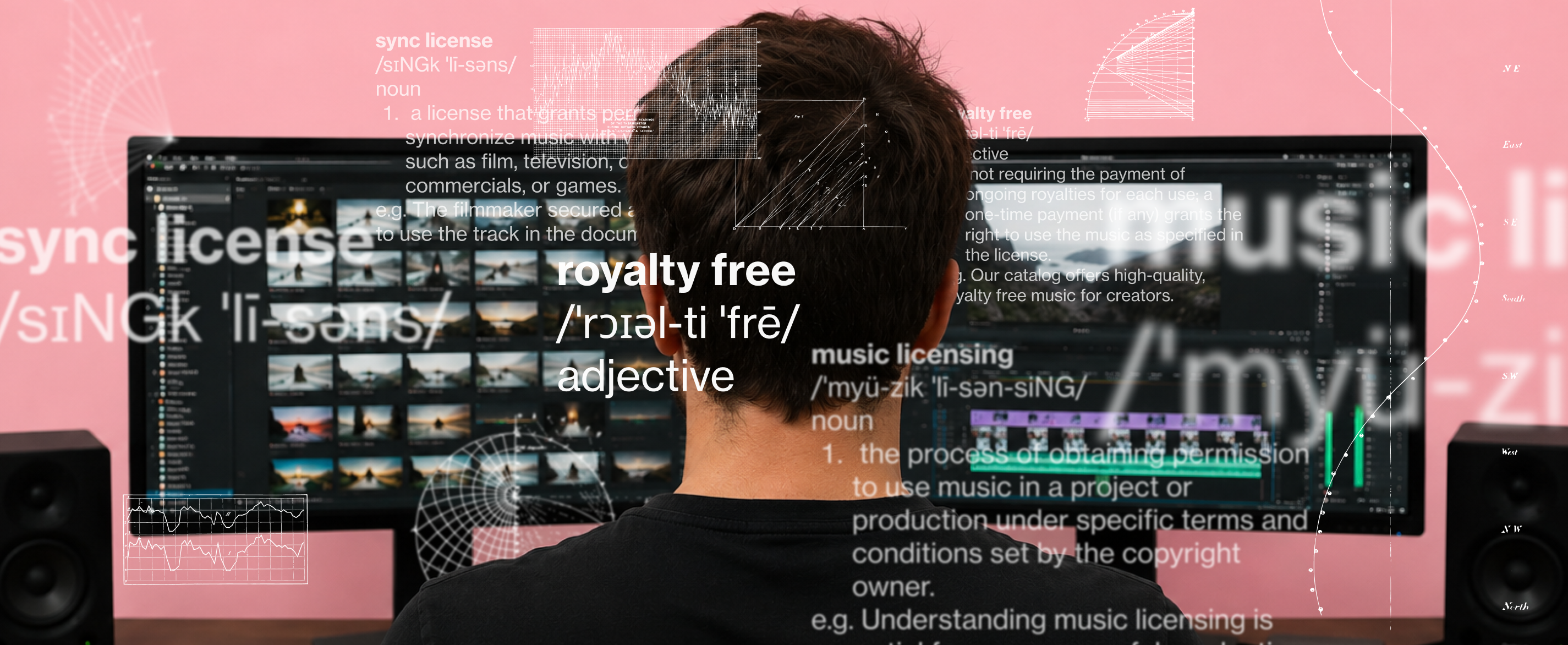
Always verify if a license allows monetization, as some "free" tracks are restricted to non-profit use. Attribution is usually required for Creative Commons licenses; check the specific terms for each file to ensure you aren't violating distribution requirements.
- Look for "commercial use" clearance explicitly stated.
- Check if attribution is required in the description or overlay.
- Download the license certificate if the platform provides one.
I suggest keeping a folder of license PDFs or screenshots for every track you use, just in case a manual claim occurs in the future. For those searching for specific moods, look into ambient study music instrumental free download: safe high-quality guide to understand how different licensing agreements are structured.
5.1. Monetization rights
Many "free" sites allow personal use but require a paid subscription for monetized streams. Confirm that your specific usage—especially if you run ads—is covered by the platform's terms of service.
5.2. Permanent vs temporary rights
Be wary of licenses that expire if you stop paying for a subscription. True royalty-free music allows you to keep using the track in your VODs indefinitely, even if your account status changes.
6. Verification checklist for new audio sources
A safe audio source must provide clear, accessible legal documentation regarding commercial usage. Cross-reference the site's terms with Twitch’s current DMCA guidelines to ensure your library provides lasting protection for your channel assets.
💡 Pro tip: Use a dedicated folder for all your stream assets, including a log of where you sourced your music and the date you verified the license.
I never skip the step of checking the "about" section of an audio provider to see if they own the master rights to their tracks. If you are looking for specific assets like funny background music for youtube shorts: safe download guide, ensure that the source confirms the music is safe for multiple platforms, including mobile-first apps like TikTok or Instagram.
6.1. Site reputation checks
Research the site’s history. If a platform is relatively new and lacks clear ownership info, it is likely a collection of copyright-infringing re-uploads.
6.2. Updating your library
Your library is not static. Re-verify your licenses annually, as platforms can change their terms of service, potentially shifting tracks from "free for everyone" to "paid license only."
6.3. What if I get a DMCA strike?
If you receive a strike despite using "safe" music, appeal it by attaching your license certificate or the link to the original source. Most automated systems will drop the claim immediately when they see proof of licensing.
6.4. How loud should the music be?
Keep your music between -20dB and -25dB. Any higher, and you risk masking your voice during loud moments, which hurts viewer retention.
6.5. Is attribution required?
It depends on the license. Some tracks allow free use if you credit the creator in your description, while others offer a royalty-free license that waives this requirement. Always check the site's FAQ.
6.6. Where can I find safe tracks?
Prioritize platforms that offer direct download and legal certifications. If you need professional, high-quality audio assets, explore the library at freebgmusic.info to find cleared tracks for your next stream without the recurring subscription cost.
If you need further advice on building a secure audio library, browse our resources at freebgmusic.info to get started with professional, cleared tracks today.