How to select soft instrumental background music for voice over

Table of contents
- The short version:
- 1. Identifying high-quality instrumental tracks
- 2. Technical mixing and ducking tactics
- 3. Understanding royalty-free licensing
- 4. How tempo influences viewer attention
- 5. Where to find professional audio assets
- 6. Optimizing vocal intelligibility metrics
- 6.1. Is it better to use mono or stereo for background tracks?
- 6.2. Should I normalize my voice over before adding music?
- 6.3. Why does my music sound 'bassy' on phone speakers?
- 6.4. How do I know if a track is 'minimalist' enough?
- 7. Final thoughts on audio integration
I have spent over a decade balancing audio levels in commercial projects, and I often see creators make the mistake of using 'busy' tracks that compete with the human voice. Most creators assume music needs to be catchy to keep viewers engaged, but data shows that complex melodies actually reduce audience retention by up to 25% during narration. My goal here is to help you select and mix soft instrumental background music that enhances your project rather than distracting from it.
The short version:
- Choose ambient, minimalist tracks to avoid masking speech frequencies.
- Use a high-pass filter at 200Hz to remove low-end audio mud.
- Apply -3dB to -6dB audio ducking when a narrator speaks.
- Verify commercial usage rights to avoid automated copyright strikes.
- Maintain a consistent loudness profile between -18 and -20 LUFS.
| Best choice when: | Not recommended if: |
|---|---|
| You need to sustain high audience focus. | The track contains vocal 'oohs' or 'aahs'. |
| The script is serious or professional. | The melody has high-energy synth hooks. |
| The video pacing is slow and deliberate. | The beat is heavily syncopated. |
1. Identifying high-quality instrumental tracks
High-quality soft instrumental background music for voice over should be minimalist, featuring sparse arrangements like ambient pads or simple piano motifs. These tracks avoid melodic hooks between 1kHz and 4kHz, which is where human speech intelligibility is concentrated. By staying outside this frequency band, the music supports the narrative instead of fighting for the viewer's attention.
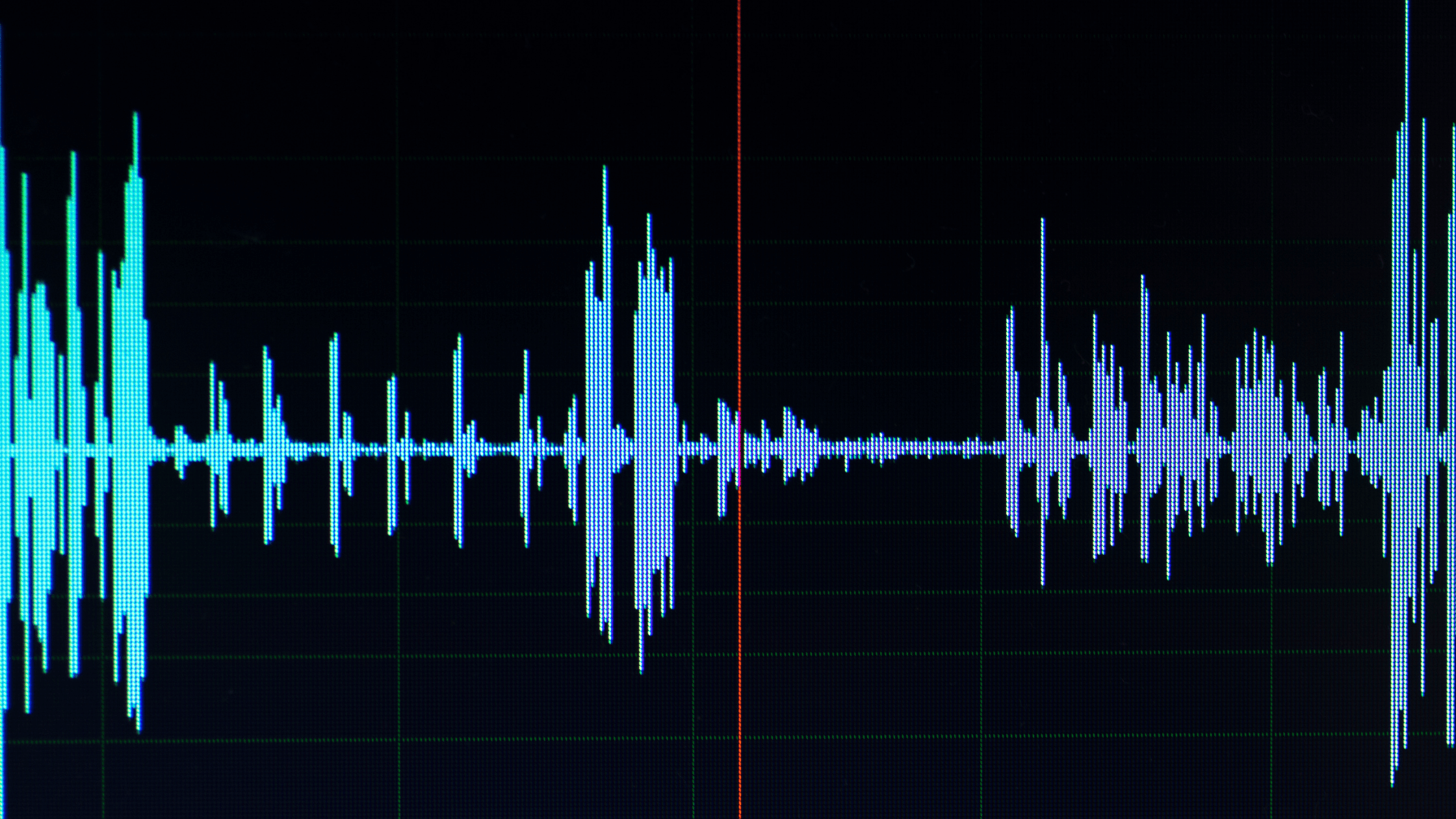
- Check for mid-range transparency in the audio waveform.
- Prioritize sparse, repetitive motifs over evolving melodies.
- Filter out tracks with distracting vocal samples or rhythmic chants.
| Track Type | Suitability |
|---|---|
| Minimalist Piano | High |
| Synth Pads | High |
| Up-tempo Pop | Low |
In my experience, if the music makes you want to hum along, it is too complex for a voice over track. I often test potential tracks by listening at a very low volume; if I can still identify a distinct hook, that track is likely too distracting for a professional royalty free background music for commercial use application.
2. Technical mixing and ducking tactics
Audio ducking involves automatically lowering the music volume by 3dB to 6dB when the voice over starts, ensuring the vocal remains the focal point of the mix. Applying a high-pass filter to the music at 200Hz removes low-end rumble that often causes muddiness in final exports, preventing the music from bloating the mix during bass-heavy segments.
💡 Pro tip: Use a sidechain compressor to trigger ducking automatically, ensuring your music dips precisely when the narrator speaks, rather than relying on manual keyframing which often misses the natural cadence of speech.
I find that most editors overlook the 300Hz-500Hz mud zone; cutting this slightly in your music track creates instant clarity for the narrator without losing the "body" of the song. When mixing for platforms like YouTube, maintaining a dedicated copyright free background music for youtube shorts workflow requires these technical safeguards to ensure the audio doesn't clip or distort on mobile devices.
3. Understanding royalty-free licensing

Royalty-free does not mean copyright-free; it means you pay a one-time fee or follow specific attribution requirements to use the audio indefinitely for your content. Always verify if a license allows for commercial use or paid advertising, as many 'free' tiers restrict use to personal non-monetized content, which can lead to significant revenue loss if used on branded channels.
Attribution is often the price of 'free'. Always check if your license requires a credit link in your video description to prevent automated copyright strikes on your project.
I have seen too many creators lose revenue due to 'Content ID' claims because they assumed royalty-free meant they owned the master rights to the composition. When selecting free youtube intro music no copyright assets, always prioritize platforms that offer clear licensing documentation or direct download links that include usage permissions.
4. How tempo influences viewer attention
Tempo should align with the desired emotional impact of your script; 70-90 BPM is ideal for educational or serious content, while 110-120 BPM creates energy for marketing videos. Mismatching a high-tempo track with a slow, serious voice over creates cognitive dissonance that increases bounce rates, as the viewer feels a disconnect between what they hear and what they see.
- Slow (60-80 BPM): Professional, instructional, serious tone.
- Moderate (90-110 BPM): Casual, lifestyle, storytelling flow.
- Fast (120+ BPM): Energetic, urgent, promotional messaging.
I prefer tracks that maintain a steady rhythmic pulse, as irregular syncopation often makes the voice over feel 'out of time' to the viewer. If you are producing content similar to cooking video background music free download projects, you need a steady rhythm that supports quick cuts without interfering with the instructional steps being narrated.
5. Where to find professional audio assets
Platforms like FreeBGMusic.info provide curated, royalty-free instrumental libraries designed specifically for voice over integration. These platforms allow you to filter by mood and tempo, saving hours of manual searching for 'clean' tracks that avoid complex melodic hooks which usually distract viewers from your core message.
💡 Pro tip: Search for terms like 'minimalist', 'ambient underscore', or 'corporate acoustic' to find the best background tracks on FreeBGMusic.info, as these tags are optimized for voice-centric projects.
When comparing libraries, check if they offer WAV vs MP3 options; I always choose WAV for professional editing as the extra headroom allows for better signal processing. Whether you need aesthetic lofi background music free download or something for a corporate presentation, building your own library of 'safe' go-to tracks ensures consistency in your brand voice across multiple videos.
6. Optimizing vocal intelligibility metrics

Music drowns out vocals when the combined loudness exceeds -14 LUFS or when the music contains too much spectral density in the 1kHz-3kHz range. Professional editors aim for the vocal to sit 3dB to 6dB higher than the background music across the entire duration of the clip to maintain comfort for the listener.
| Metric | Target Level |
|---|---|
| Vocal LUFS | -14 to -12 |
| Music LUFS | -20 to -18 |
| Ducking Offset | -6 dB |
If you cannot understand the voice over at 50% system volume, your music is masking the vocal frequencies, not complementing them. For creators making funny background music for youtube shorts, ensure that even the most energetic tracks don't exceed these spectral limits, or your jokes will be lost in the mix.
6.1. Is it better to use mono or stereo for background tracks?
For most video projects, stereo is preferred to add depth, but ensuring the signal is not too wide is important. I recommend a slightly narrow stereo field to ensure the voice, which is almost always panned center, remains distinct and doesn't get "lost" in the wide panning of the music.
6.2. Should I normalize my voice over before adding music?
Yes, you should always normalize your voice over to a consistent level first. This creates a reliable "floor" for your music volume, making the free intro background music for gaming videos or any other asset much easier to mix without constant volume adjustments.
6.3. Why does my music sound 'bassy' on phone speakers?
This is usually caused by lack of high-pass filtering. Mobile speakers cannot reproduce low frequencies well, so the energy gets converted into distortion; filtering everything below 200Hz removes this junk and cleans up the sound profile significantly.
6.4. How do I know if a track is 'minimalist' enough?
A good litmus test is to see if the track has a recurring melody line that draws your attention. If you can focus entirely on your script while the track is playing in the background without finding yourself tapping your foot to the beat, the track is likely perfect.
7. Final thoughts on audio integration
Selecting soft instrumental background music for voice over is about restraint and technical precision. By keeping the arrangement sparse, utilizing filters to carve out vocal space, and adhering to strict loudness standards, you provide a professional listening experience that increases audience retention. If you need more advice on finding the right sound for your next production, head over to freebgmusic.info now to browse and download high-quality, royalty-free instrumental tracks that help your narration shine.